










8 Ball Pool: game overview
- Category
- Sports
- Play
- Online in your browser
About 8 Ball Pool
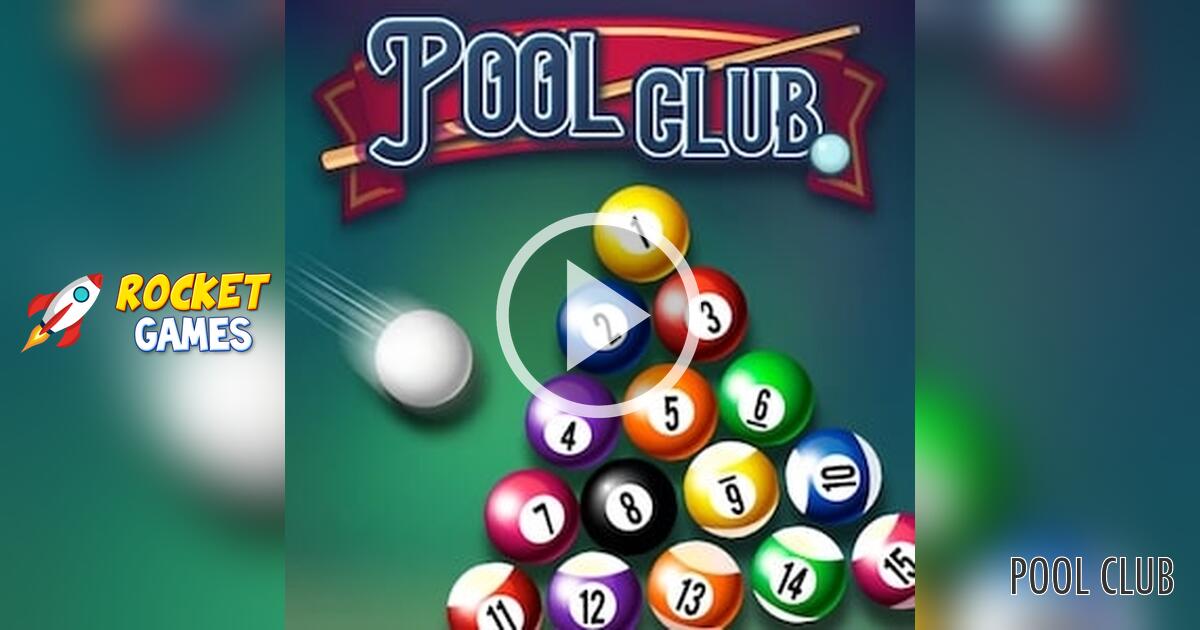
This 8 Ball Pool page runs a YoPlay-hosted browser variant with a Single option at the opening menu.
Use the mouse to aim the cue, prepare a shot and watch the cue ball's movement across the table. The turn indicator changes after a shot, so let the balls settle before setting up the next one.
Game highlights
- Single-mode billiards
- Mouse-driven cue shots
- Turn indicator
How to play 8 Ball Pool
- Choose Play Now and then Single to open the table.
- Move the mouse to line up the cue with your intended ball.
- Click and drag to set up the cue shot, then release and wait for the balls and turn indicator to settle.
Controls
Choose Play Now, then Single. Use the mouse to aim; click and drag to set up a cue shot, then release. Follow the turn indicator above the table.
Tips for your next attempt
- Check the cue ball's path as well as the object ball's route toward a pocket.
- Use a controlled shot to learn how drag distance affects power before attempting a hard break-style hit.
- Do not begin the next drag while the previous shot's balls are still moving.