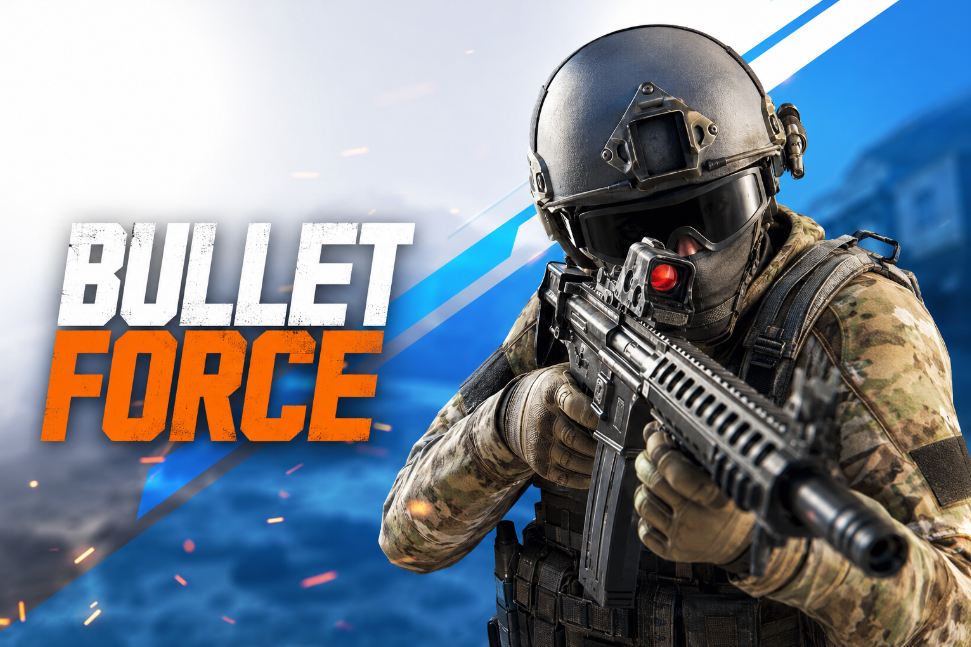






Bullet Force: game overview
- Category
- Shooting
- Play
- Online in your browser
About Bullet Force
Bullet Force offers a first-person practice round where you choose a map and loadout before deploying.
The Outpost practice setup lets you learn movement and firing with bots before exploring the other menu options. The initial browser download is large, so let loading complete before expecting the match controls to respond.
Game highlights
- First-person practice mode
- Map and loadout selection
- Outpost practice with bots
How to play Bullet Force
- Choose Play Here and allow the initial game files to load.
- Select Practice, choose a map and loadout, then press Deploy.
- Use WASD to move, the mouse to aim and the mouse button to fire. Esc opens the pause menu.
Controls
Choose Play Here, then Practice and a map. Select a loadout and Deploy. Use WASD to move, the mouse to aim and the mouse button to fire; Esc opens the pause menu.
Tips for your next attempt
- Use the practice round to learn the mouse sensitivity before changing several loadout options.
- Move between pieces of cover instead of staying exposed while aiming.
- Watch the ammunition display during a burst so a depleted magazine does not surprise you in the open.