



GT Cars Mega Ramps: game overview
- Category
- Driving
- Play
- Online in your browser
About GT Cars Mega Ramps
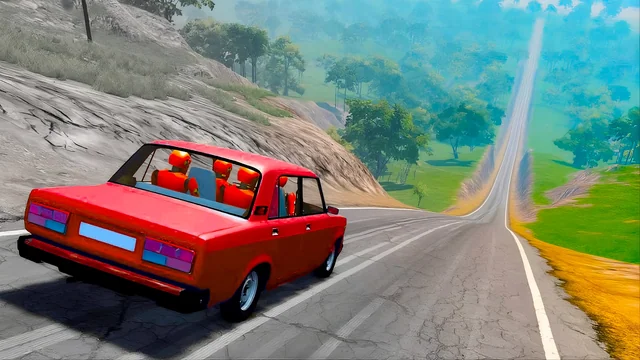
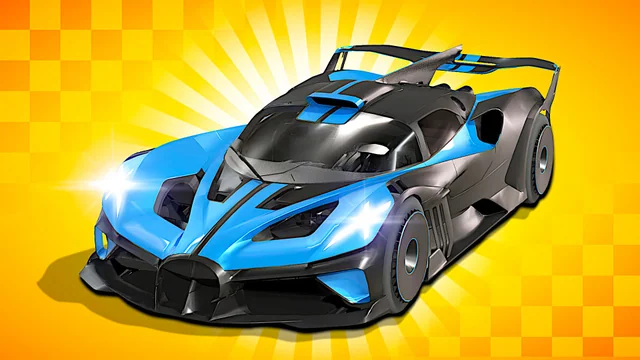
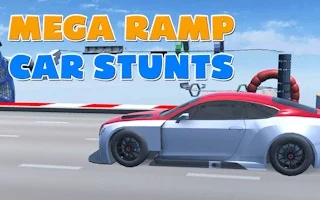
GT Cars Mega Ramps is an exciting driving car game that puts you behind the wheel of fully customizable super-sport cars, featuring heart-stopping mega ramps, vibrant giant bosses, and intense head-to-head races. Experience a one-of-a-kind adventure as you launch yourself off towering ramps, execute daring stunts, and outmaneuver colossal bosses in electrifying showdowns. With stylized cars and thrilling gameplay, you’ll race to conquer the ultimate title of driver extraordinaire.
How to Play GT Cars Mega Ramps GT Cars Mega Ramps offers three exhilarating game modes: Face to Face, Mega Ramps, and Color Lands. Choose between single-player and two-player options, allowing for competitive racing fun with customizable exotic super-sport cars that you can tweak to your liking. Adjust the color panel, window tint, wheel designs, and light colors to make your vehicle truly unique.
In Face to Face mode, you and your opponent race side by side, but don’t let the simplicity fool you. This isn’t just a regular race; if one car crashes, the debris can take you down at full speed, resulting in an instant game over. Stay alert and swerve wisely, or you risk tumbling off the cliff's edge!
Game highlights
- Driving
- 2 Player
- Car
How to play GT Cars Mega Ramps
- 1 Player Mode
- WASD / arrow keys = move
- L-Shift = NOS
- R = reset car position
- C = change camera view
- 2 Players Mode
- Player 1
- WASD = move
- L-Shift = NOS
- R = reset car position
- C = change camera view
- Player2
- Arrow keys = move
- N = NOS
- L = reset car position
- U = change camera view
Controls
1 Player Mode WASD / arrow keys = move L-Shift = NOS R = reset car position C = change camera view 2 Players Mode Player 1 WASD = move L-Shift = NOS R = reset car position C = change camera view Player2 Arrow keys = move N = NOS L = reset car position U = change camera view
Tips for your next attempt
- Read the next bend or obstacle before accelerating; use a slower attempt to learn how the vehicle responds.