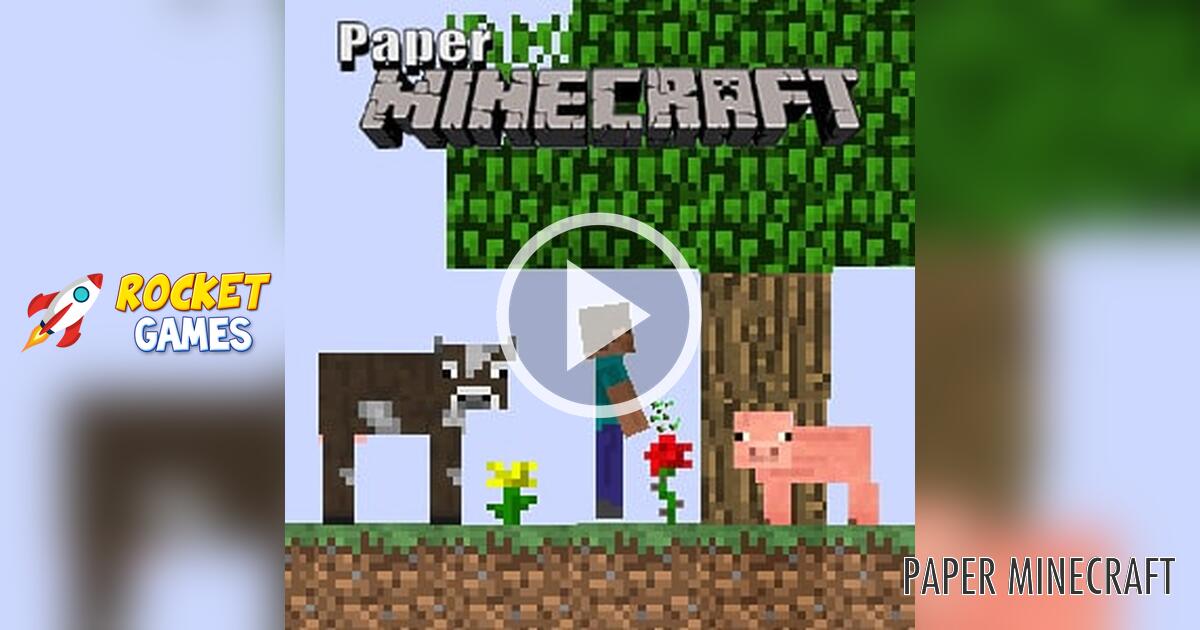



Paper Minecraft: game overview
- Category
- Adventure
- Play
- Online in your browser
About Paper Minecraft
Explore a fan-made 2D block world with crafting, digging, and building. Start a new world or return with a save code in this Scratch-style browser edition.
Game highlights
- 2D block-world exploration
- New worlds and save-code loading
- Inventory and building controls
How to play Paper Minecraft
- Select Play now and wait for the Paper Minecraft title screen.
- Choose New Game and select the available world options.
- Read the controls before exploring and building.
Controls
Use WASD to move, jump, or swim. Click to place or dig blocks, press E for inventory or a chest, F to eat a held item, and P to pause. The title screen lists the remaining controls.
Tips for your next attempt
- Keep a copy of the save code when saving a world.
- Open Help on the title screen if you need a control reminder.
Common questions
Which version can I play here?
This is the fan-made 2D Paper Minecraft browser edition, credited to griffpatch in its title screen. It is separate from the official Minecraft game.
Play Paper Minecraft on RocketGames