










Soflo Wheelie Life: game overview
- Category
- Driving
- Play
- Online in your browser
About Soflo Wheelie Life
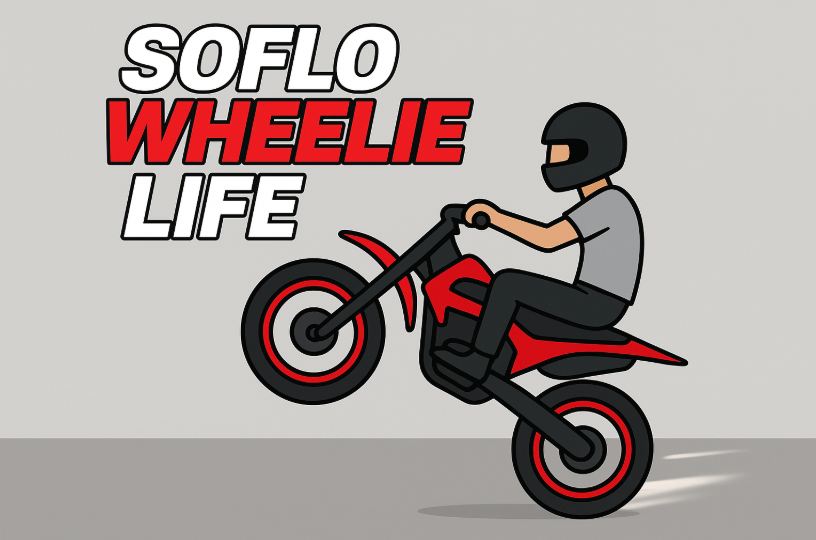
This Soflo Wheelie Life page runs a Scratch motorcycle project with a scrolling city, a speed readout and a score display.
Right Arrow builds speed while Left Arrow slows the bike. Begin by learning how those inputs change the ride before trying to keep a longer, steadier run going.
Game highlights
- Scratch motorcycle edition
- Speed and score displays
- Scrolling road scene
How to play Soflo Wheelie Life
- Press the green flag to start the Scratch project.
- Click inside the game and use Right Arrow to accelerate.
- Use Left Arrow to reduce speed and watch how the bike responds.
Controls
Select the green flag to start the Scratch project. Right accelerates and Left slows the bike. Click inside the game first if the keyboard is not focused.
Tips for your next attempt
- Watch the MPH display to judge a change in speed instead of relying only on the scrolling background.
- Try short periods of acceleration and braking before holding either key for a long stretch.
- If the bike does not respond, focus the Scratch stage with a click before trying the keys again.