










Sprunki Challenge: game overview
- Category
- Sprunki
- Play
- Online in your browser
About Sprunki Challenge
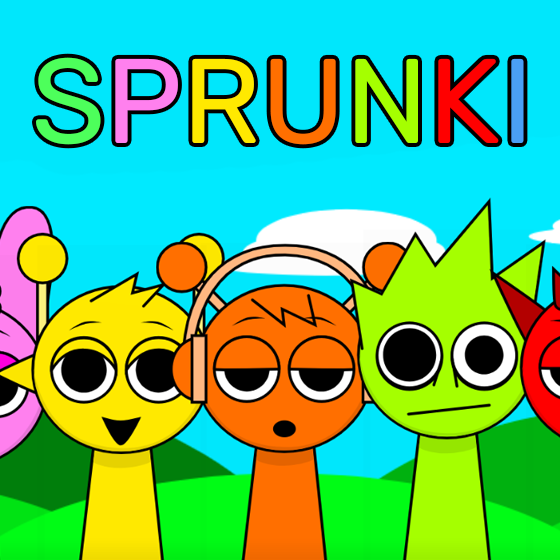
Create a Sprunki arrangement on a bright outdoor stage in the single-player mode of Sprunki Challenge. Two rows of colorful sound tiles sit below seven character slots, with mute, solo and remove controls for an active performer.
Game highlights
- Single-player sound mixing
- Two-row character sound tray
- Mute, solo and remove controls
How to play Sprunki Challenge
- Choose 1PLAYER in the game menu.
- Drag a sound tile onto an empty gray performer.
- Add another sound or use the character controls to adjust the lineup.
Controls
Choose 1PLAYER and follow the game prompts. Drag a sound icon from the tray onto a gray character. Use the performer controls to mute, solo or remove it.
Tips for your next attempt
- Begin with one sound so you can distinguish its contribution before adding layers.
- Check the character controls when you want to change the lineup.
Common questions
Which version is this?
The single-player mixing stage was checked. A two-player option appears in the menu, but that mode was not tested.
Play Sprunki Challenge on Miniplay