













Tag Valley: game overview
- Category
- Casual
- Play
- Online in your browser
About Tag Valley
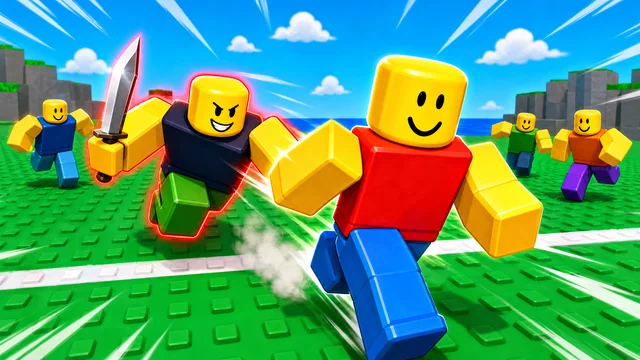
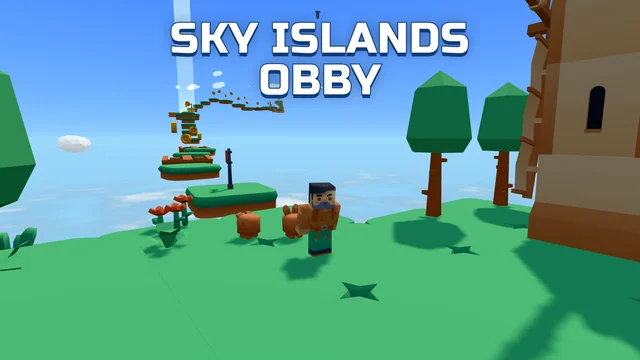
Tag Valley is a fun blocky game of tag! Sprint across the field from line to line while the chaser with a knife tries to catch you. Get caught and you become a chaser yourself!
- Dodge with dashes and jumps and reach the safe side. - Collect gems on the field and open knife and emote crates. - Spin the lucky wheel and complete the Valley Journey for rewards. - Three maps: Valley, Barn and Beach - vote for the next one. - Be the last runner standing and climb the leaderboards.
Every run brings more chasers and gets scarier. Three clean escapes in a row and the runners win - catch everyone and the chasers win. Unlock legendary knives, wear a title and show who's the fastest in the valley!
Game highlights
- Arcade
- Runner
How to play Tag Valley
- Runners cross the field from one safe line to the other before the timer runs out; whoever the chaser catches joins the chasers. Teammates can revive a caught runner by holding E next to them. Three clean escapes in a row win the match for the runners, catching everyone wins it for the chasers.
- On PC:
- WASD - move
- Space - dash (jump when standing), dive as a chaser
- LMB - attack (chaser)
- RMB - look around
- Q - ability
- F - item
- E - interact (shop, crates, revive a teammate)
- G - emotes, 1-6 - quick emotes
- On mobile:
- Joystick - move
- Swipe - look around
- Buttons in the bottom right - dash, attack, ability and item
Controls
Runners cross the field from one safe line to the other before the timer runs out; whoever the chaser catches joins the chasers. Teammates can revive a caught runner by holding E next to them. Three clean escapes in a row win the match for the runners, catching everyone wins it for the chasers. On PC: WASD - move Space - dash (jump when standing), dive as a chaser LMB - attack (chaser) RMB - look around Q - ability F - item E - interact (shop, crates, revive a teammate) G - emotes, 1-6 - quick emotes On mobile: Joystick - move Swipe - look around Buttons in the bottom right - dash, attack, ability and item
Tips for your next attempt
- Use your first attempt to learn the timing, then focus on one obstacle or objective at a time.